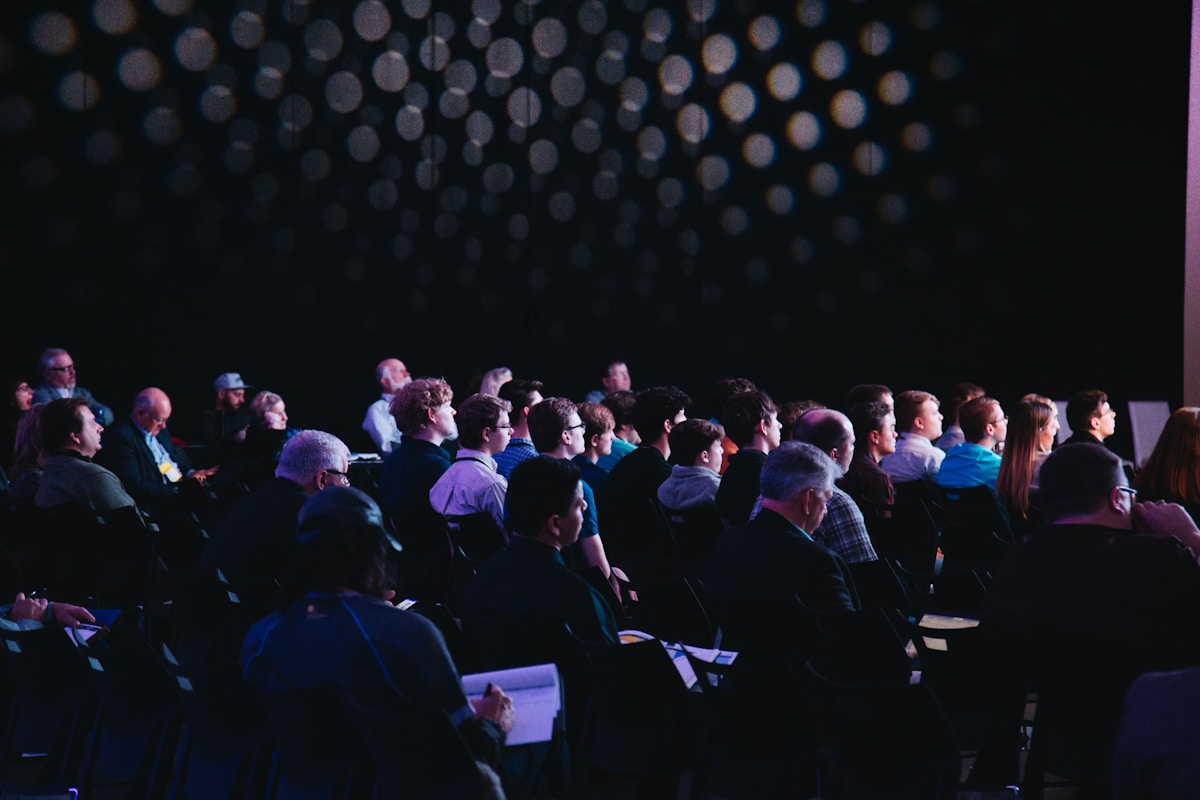
Microsoft Build 2026 kicks off today, June 2, in San Francisco — and if the session catalogue is any indication, this is shaping up to be the most AI-concentrated edition of Microsoft's developer conference yet. CEO Satya Nadella delivers the opening keynote at 9:30 AM PT, with the event running through June 3.
For developers, this year's Build matters more than most. Microsoft is expected to move beyond AI assistants that merely answer questions and put its full weight behind agentic AI — systems that act autonomously on a user's behalf across apps, running in the background for extended periods without supervision. Here's everything you need to know before the keynote.
When and How to Watch
Build 2026 runs June 2–3 in San Francisco, with the headline moments streamed free:
- Opening keynote: Tuesday, June 2 at 9:30 AM PT (12:30 PM ET / 10:00 PM IST), led by Satya Nadella
- Streaming: Microsoft's Build site and YouTube channel carry the keynotes and technical sessions live, with recordings available afterward
- Day 2: deeper technical sessions aimed squarely at working developers
MAI-Thinking-1: Microsoft's First Dedicated Reasoning Model
The most anticipated announcement is expected from Microsoft AI chief Mustafa Suleyman: MAI-Thinking-1, the company's first dedicated reasoning model built in-house. Until now, Microsoft has leaned heavily on OpenAI's models to power Copilot while quietly building its own MAI family. A first-party reasoning model would mark a significant step toward independence — and give developers a new option in the Azure AI catalogue.
Reporting ahead of the event also points to MAI-Image-2.5 and a faster MAI-Image-2.5-Flash joining the lineup, extending Microsoft's first-party image generation models.
Copilot Is Becoming a 'Super App'
Microsoft is expected to push Copilot further toward an everything-app: one surface where chat, agents, search, and task automation converge across Windows, Office, and the web. The strategic logic is clear — whoever owns the surface where agents are launched owns the workflow. Expect new Copilot extensibility announcements aimed at developers who want their tools and services reachable from inside that surface.
A Developer Mode for Windows 11
One of the more practical rumors: a developer-optimized mode for Windows 11 — described in pre-event reporting as a distraction-free setup that ships with the tools and configurations developers actually want, pre-loaded. If it materializes, it would be Microsoft's most direct answer yet to the long-standing complaint that setting up a fresh Windows machine for development takes half a day.
The Hardware Context: NVIDIA's RTX Spark
Build lands just days after NVIDIA unveiled its RTX Spark Superchip at Computex — a move beyond discrete GPUs into full AI-PC silicon for laptops and mini-PCs, combining Blackwell-generation RTX graphics with Grace CPU technology. Expect Microsoft to lean on that momentum: Windows 11's AI features increasingly assume capable NPU/GPU silicon underneath, and the Copilot+ PC story only works if the hardware keeps pace.
Why This Build Matters: The Agentic Shift Is Real
Build 2026 caps a frantic month for AI. May 2026 saw Google announce Gemini 3.5 at I/O on May 19 (with Gemini 3.5 Flash shipping the same day), OpenAI make GPT-5.5 Instant the ChatGPT default in early May, and a wave of releases from xAI, Alibaba's Qwen team, and DeepSeek. The common thread across every major lab: agents designed to run unsupervised in the background, not chatbots waiting for a prompt.
Microsoft's entire Build session catalogue is reportedly built around that same idea. For developers, that means the questions worth asking this week are practical ones:
- How do you expose your app's functionality to agents (rather than just users)?
- What do identity, permissions, and auditing look like when software acts on a person's behalf?
- Which agent frameworks will Microsoft bless inside Azure AI Foundry — and which will quietly fade?
What This Means for Developers
If you build on the Microsoft stack, watch the keynote — but watch the Day 2 sessions more closely. Conference keynotes sell visions; the technical sessions reveal what actually ships and when. Three things to track:
- MAI model pricing and availability. A first-party Microsoft reasoning model is only interesting if it's competitively priced against OpenAI and Anthropic models on Azure.
- Agent tooling maturity. Demos of autonomous agents are easy; debugging, evals, and guardrails are what make them production-ready. Look for announcements on observability and testing.
- Windows as a developer platform. Between the rumored dev mode and deeper WSL/AI integration, Microsoft has a chance to win back developers who drifted to macOS and Linux.
And mark your calendar: Apple's WWDC 2026 follows immediately on June 8–12, with its own AI announcements expected. By mid-June, the developer landscape for the rest of 2026 will look a lot clearer. This week is where it starts.
GitHub Copilot's New Agentic Coding Capabilities
Among the most consequential announcements at Build 2026 is the next evolution of GitHub Copilot. Microsoft and GitHub are transforming Copilot from an autocomplete tool into a full autonomous coding agent. The new Copilot Workspace now supports multi-file editing across an entire repository — it can read your issue tracker, understand the codebase structure, write the code, run tests, and push a pull request, all with minimal human direction.
This is a fundamental shift in developer workflow. Rather than prompting Copilot line by line, developers can now assign it issues from GitHub Issues or Jira and let it handle the complete implementation cycle — including writing unit tests, fixing linting errors, and documenting the changes. Early access users report task completion rates above 70 percent for well-defined issues, with the remaining 30 percent requiring human correction before merging.
The underlying models powering this agentic Copilot are the newly announced MAI (Microsoft AI) model family — purpose-built for code reasoning, repository understanding, and multi-step task execution. Microsoft claims MAI-Code outperforms GPT-4o on standard coding benchmarks including HumanEval and SWE-bench, with particular strength on real-world multi-file refactoring tasks that previous models struggled with.
Azure AI Foundry: The Enterprise AI Development Platform
For enterprise developers, Microsoft's biggest Build 2026 announcement is Azure AI Foundry — a unified platform for building, deploying, and managing AI agents at scale. AI Foundry consolidates what was previously scattered across Azure OpenAI Service, Azure Machine Learning, and Azure Cognitive Services into a single developer experience.
AI Foundry's key capabilities include a visual agent builder (drag-and-drop agent workflow creation without code), a model catalog with 1,800+ models from OpenAI, Mistral, Meta, and Microsoft's own MAI family, built-in observability and evaluation tools (testing agents for accuracy, safety, and latency before deployment), and enterprise-grade security with private network endpoints and data residency controls.
The platform also introduces "Agent Pods" — pre-built, production-ready agent templates for common enterprise use cases including customer support automation, code review assistance, document processing, and data analysis. These templates dramatically reduce the time from concept to production deployment for teams without dedicated AI engineering expertise.
Windows 11 Recall and the AI PC Developer Opportunity
Microsoft is also pushing hard on the AI PC angle at Build 2026. With over 50 million Copilot+ PCs now shipping with dedicated NPU hardware, Microsoft is opening new on-device AI APIs to developers — enabling applications to run local models without cloud round-trips, reducing latency and addressing privacy concerns that have slowed enterprise adoption of cloud AI.
The Windows AI Studio, updated at Build 2026, now includes a local model playground supporting Phi-4-mini, Mistral 7B, and Llama 3.2 running entirely on the NPU. For developers building privacy-sensitive applications — legal document analysis, medical record processing, financial data interpretation — on-device inference eliminates the data-leaving-the-device concern that blocks many enterprise AI deployments.
Microsoft also addressed the Recall controversy directly at Build 2026. The AI-powered timeline feature, which was delayed and redesigned following privacy concerns in 2024, is now being rolled out with end-to-end encryption, local-only storage, and explicit user opt-in. The updated Recall is now available to Copilot+ PC developers as an API — allowing third-party applications to query a user's local activity timeline (with permission) to provide contextually aware assistance.
The Microsoft 365 Copilot Agent Ecosystem
On the productivity side, Build 2026 brings major expansions to the Microsoft 365 Copilot platform. Microsoft is opening the Copilot agent ecosystem to third-party developers — allowing companies to build custom agents that surface directly inside Teams, Outlook, and Word alongside Microsoft's own built-in agents.
The commercial opportunity is significant. Microsoft reports over 85,000 organizations have deployed Microsoft 365 Copilot, with usage growing 200 percent year-over-year. Third-party agents that integrate into this ecosystem gain immediate access to an installed base of enterprise users without requiring a separate distribution strategy. For ISVs (Independent Software Vendors), embedding their specialized AI capabilities inside Microsoft 365 as a Copilot agent is becoming a primary enterprise go-to-market motion.
The technical requirements for Copilot agent certification include compliance with Microsoft's Responsible AI standards, performance benchmarks (response time under 2 seconds for 95th percentile requests), and security review. Approved agents join the Microsoft AppSource marketplace and are eligible for co-sell arrangements with Microsoft's enterprise sales team.
What Developers Should Watch From Build 2026
The full session catalog at Build 2026 runs over 400 sessions across in-person and online tracks. For developers prioritizing their time, the highest-impact sessions are the Azure AI Foundry deep-dives, the GitHub Copilot Workspace technical preview sessions, the Windows AI Studio on-device inference workshop, and the Microsoft 365 Copilot extensibility track.
All sessions are available on-demand through the Microsoft Build website immediately after recording, with hands-on labs remaining accessible for 60 days post-event. Microsoft Learn is also releasing companion learning paths for each major Build 2026 announcement — providing structured paths for developers who want to build production-ready applications using the newly announced capabilities.
Build 2026 confirms that Microsoft has shifted its entire developer platform strategy around one bet: that the next generation of software will be built by developers working alongside AI agents rather than writing every line manually. Whether that bet pays off depends on the maturity of the tooling — and Build 2026 is Microsoft's most credible case yet that the tooling is ready.
Official Resources
For further research, the following official sources provide authoritative information on the topics covered in this article.
- Microsoft Build 2026 — Official Microsoft Build conference sessions and resources
- GitHub Copilot — Official GitHub Copilot documentation and features
- Azure AI Foundry — Microsoft's official enterprise AI development platform
Sources & Accuracy Note
Developer tooling, AI models, framework releases, benchmarks, and security advisories move quickly. Verify version numbers, release notes, and migration steps against the original project or vendor documentation before making production decisions.





💬 Comments (0)
No comments yet. Be the first to share your thoughts!