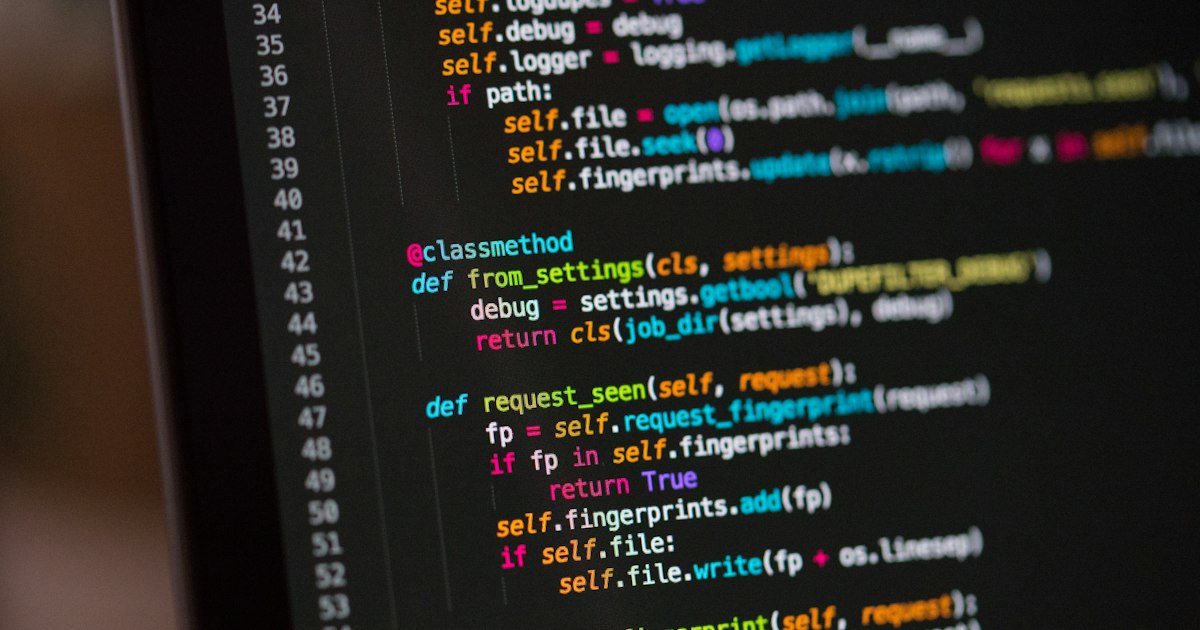
Python remains one of the best first programming languages for students because it combines readable syntax with real-world power. The official Python tutorial describes it as an easy-to-learn, powerful language with efficient high-level data structures and a simple but effective approach to object-oriented programming. That combination matters: a student can start with loops and lists, then grow into automation, web development, data analysis, AI tooling, and backend engineering without switching languages.
This roadmap is written for students who search for topics like Python variables, data types, functions, object-oriented programming, virtual environments, and project ideas. Instead of treating those as separate notes, it connects them into an end-to-end learning path. The goal is simple: move from copying examples to building small programs you understand, can debug, can package, and can explain in an interview.
Why Python Is Still a Strong First Language
Python works well for beginners because the language reduces the amount of syntax a student must memorize before writing useful code. You can print text, calculate values, create lists, read files, and define functions with short, readable statements. The official tutorial also points out that Python is suitable for scripting and rapid application development across many platforms, which is why students see it in college courses, coding interviews, data science tutorials, and automation scripts.
That does not mean Python is only a beginner language. Python is also used as an extension language for applications and can be extended with C or C++ when needed. In practice, this means the same language that teaches basic programming ideas can later support serious engineering work. Students who learn Python properly are not just learning syntax; they are learning a flexible tool for solving problems.
The Core Topics Students Should Learn First
The first stage is not about frameworks or AI libraries. It is about understanding the building blocks that appear in nearly every Python program. Start with variables, numbers, strings, lists, dictionaries, conditionals, loops, and functions. These topics map directly to the structure of the official Python tutorial, which begins with the interpreter, an informal introduction, control flow, functions, data structures, modules, input/output, errors, and classes.
A good beginner sequence looks like this:
- Variables and expressions: store values, combine them, and print results.
- Strings: format messages, split input, validate text, and clean data.
- Lists and dictionaries: store multiple values and model real data such as marks, users, products, or tasks.
- Conditionals and loops: make decisions and repeat work without copy-pasting code.
- Functions: divide a large problem into smaller reusable steps.
- Errors and exceptions: understand why code fails and how to handle expected failures.
The mistake many students make is rushing through these topics once and then jumping to advanced libraries. A better approach is to write small programs for every concept. For example, after dictionaries, build a marks calculator. After loops, build a quiz game. After functions, rebuild the same quiz game with separate functions for loading questions, checking answers, and showing results.
Functions Are the Turning Point
Functions are where Python starts to feel like real programming. Before functions, code often becomes a long list of statements. After functions, you can name ideas. A function such as calculate_average(scores) is easier to reason about than five repeated lines of arithmetic scattered across a file.
Python supports default argument values, keyword arguments, arbitrary argument lists, unpacking, lambda expressions, documentation strings, and annotations. Students do not need all of these on day one, but they should understand that Python functions can grow from simple helpers into clean APIs. A useful beginner rule is: if the same logic appears twice, consider turning it into a function.
def calculate_average(scores):
    if not scores:
        return 0
    return sum(scores) / len(scores)

marks = [82, 91, 76, 88]
print(calculate_average(marks))
This tiny example teaches several ideas at once: a named function, a parameter, a guard condition, a return value, and a list. It is much more valuable than memorizing definitions because it connects syntax to a problem students understand.
Data Structures Before Algorithms
Students often search for algorithms too early. Algorithms matter, but they become easier when basic data structures are clear. Python lists can act like ordered collections. Dictionaries connect keys to values. Sets are useful for uniqueness. Tuples are useful for fixed groups of values. These structures appear in coding interviews, API responses, configuration files, and everyday scripts.
Before solving complex algorithm questions, students should practice transforming data. Take a list of student records and count pass/fail results. Convert a list of words into a frequency dictionary. Remove duplicate emails with a set. Sort records by marks. These exercises build the intuition needed for later algorithm work.
OOP: Learn It After You Can Write Functions
Object-oriented programming is important, but it should not be the first serious Python topic. Learn OOP after you are comfortable with functions and data structures. The official tutorial introduces classes after modules, data structures, input/output, and exceptions, which is a sensible order for students too.
The easiest way to understand a class is to model something familiar. A Student class can store a name, marks, and methods such as average() or has_passed(). That is better than starting with abstract definitions like encapsulation and polymorphism. First build the object, then learn the vocabulary.
class Student:
    def __init__(self, name, marks):
        self.name = name
        self.marks = marks

    def average(self):
        return sum(self.marks) / len(self.marks)

student = Student('Ava', [80, 92, 87])
print(student.name, student.average())
Once this makes sense, concepts such as instance variables, methods, inheritance, and class design become easier. The aim is not to use classes everywhere. The aim is to recognize when grouping data and behavior makes a program easier to maintain.
Virtual Environments Are Not Optional
One professional habit students should learn early is using virtual environments. The official venv documentation says a virtual environment contains a specific Python interpreter plus the libraries and binaries needed for a project, and that it is isolated from other environments and Python installations. It also notes that virtual environments are usually named .venv or venv, are not checked into Git, and should be easy to delete and recreate.
This matters because student projects often break when packages are installed globally. One project may need one version of a library, while another project needs a different version. A virtual environment keeps those dependencies separate.
python -m venv .venv
source .venv/bin/activate
python -m pip install requests
On Windows, activation uses a script inside Scripts. The exact command differs by shell, but the principle is the same: create a project-specific environment, install dependencies there, and commit your code plus a dependency file, not the environment folder itself.
What Python 3.14 Adds for Students to Know
Python 3.14 was released on 7 October 2025, according to the official What is New in Python 3.14 documentation. Students do not need to master every new feature immediately, but they should know the direction of the language.
The release highlights include deferred evaluation of annotations, multiple interpreters in the standard library, template string literals, safer external debugging, improved free-threaded mode, better error messages, Zstandard support through compression.zstd, improved asyncio introspection, and syntax highlighting in the default interactive shell. For beginners, the most visible improvements are likely better error messages and a more helpful interactive experience. For advanced students, multiple interpreters, free-threaded Python, and asyncio tooling point toward Python's future in concurrency and production debugging.
Template string literals are especially interesting for students who later move into web or data tools. They use a familiar string-like syntax but return an object representing static and interpolated parts instead of a plain string. That can help libraries process user input more safely. You do not need to use this feature in your first month of Python, but it is worth knowing that the language is still evolving.
A Four-Week Student Roadmap
If you want a practical plan, use four focused weeks instead of random tutorials.
- Week 1: Python setup, interpreter, variables, numbers, strings, input/output, and simple conditionals.
- Week 2: Lists, dictionaries, sets, loops, functions, and small programs such as calculators, quiz apps, and text processors.
- Week 3: Files, exceptions, modules, virtual environments, package installation, and a small command-line project.
- Week 4: OOP basics, project structure, Git, testing simple functions, and one portfolio project.
A strong first portfolio project could be a student result manager, a personal expense tracker, a flashcard quiz tool, or a file organizer. The best project is not the fanciest one. It is the one you can explain line by line.
Common Mistakes to Avoid
The biggest beginner mistake is passive learning. Watching five videos does not equal writing code. The second mistake is skipping errors. When a traceback appears, read it carefully. Python 3.13 and 3.14 both emphasize improved error messages, so students should use those messages as learning tools instead of immediately pasting errors into a search box.
Another mistake is ignoring project hygiene. Use a virtual environment. Keep project files organized. Do not name your file after a standard library module such as random.py if you plan to import random. Python 3.13 added more helpful messaging for this kind of mistake, but good naming habits prevent the problem altogether.
What This Means for Developers
For students, Python is still a high-return language to learn in 2026. It gives quick wins at the start, but it also has depth: functions, modules, OOP, virtual environments, standard library tools, concurrency features, and a fast-moving ecosystem. The right way to learn it is not to memorize every feature. The right way is to build a chain of understanding: syntax, data structures, functions, files, modules, OOP, environments, and projects.
If you follow that path, Python becomes more than a subject for exams or tutorials. It becomes a practical problem-solving tool you can use for college assignments, internships, automation, data work, and software projects. Start small, write code daily, debug patiently, and turn every concept into a project you can show.





💬 Comments (0)
No comments yet. Be the first to share your thoughts!